Sending artwork from café Wi-Fi: a creative handover checklist
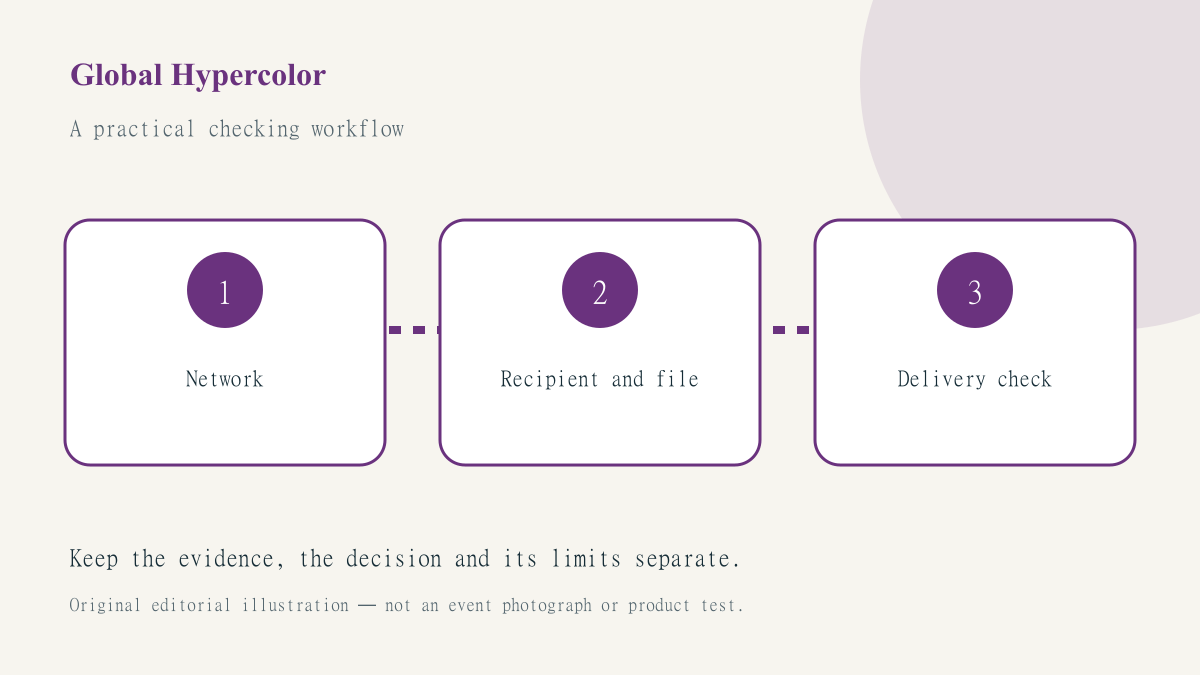
A last-minute artwork handover from a café combines several jobs that should not be confused: getting online, reaching the correct client workspace, sending the intended version and checking that access is appropriate. A VPN indicator addresses only part of that chain. It does not approve the recipient, repair an overbroad sharing link or decide which draft the client should receive.
The public Wi-Fi travel checklist is the network starting point. This guide adapts that routine for visual freelancers and small creative teams. The scenario is hypothetical: a designer away from the studio needs to deliver a final poster export while retaining control of working files and client information.
Prepare the delivery package before travelling
Keep a clear distinction between the approved export, editable working file and reference material. Put the intended delivery version in a named folder and retain a local record of its approval. A hurried network change is a poor moment to discover that the final file and an earlier concept have nearly identical names. Review filenames and recipients while using a connection and workspace you already trust.
Check that you can access your normal password manager and required account recovery method without depending on one unavailable device. Avoid moving passwords or client documents into an unapproved personal service simply because the usual workflow feels inconvenient. If delivery cannot be completed through the approved channel, tell the responsible person what is blocked rather than quietly creating a new route with different access assumptions.
Verify the network before opening the client account
Confirm the venue’s Wi-Fi name and documented sign-in method. A plausible-looking hotspot name or strong signal is not proof of ownership. Complete the legitimate captive-portal process if one is required, but do not install an unknown certificate, profile or utility merely to make the network work. Stop at certificate warnings instead of treating them as an obstacle to an urgent deadline.
Where you use JungleVPN, follow the current instructions for your actual device and check the application’s state after the network becomes usable. A connection that worked in the studio should not be assumed unchanged after moving to another network. Keep ordinary website checks separate from confidential tasks; there is no need to expose a client file merely to test whether browsing works.
Check the recipient and sharing scope
Before uploading, compare the destination workspace with the agreed client record. Watch for lookalike addresses, an unexpected invitation or a request to sign in through a message that does not match the normal workflow. Encrypted transport does not make an impostor trustworthy. The limits of VPN protection are important here: a network tool is not a substitute for checking the business destination.
Review whether the link is restricted to named recipients or open to anyone who obtains it. Use the client’s approved access model rather than assuming that a hard-to-guess URL is private. Check whether the delivery includes editable files, hidden layers, unused photographs or reference notes that were never meant to leave the project. The right export can still be delivered with the wrong supporting material.
Confirm the upload instead of trusting the progress bar
Open the delivered file through the intended recipient route where your permissions allow it. Confirm that the correct version is present, its pages or dimensions are as expected and the preview is not showing an older cached file. Keep the delivery timestamp, filename and destination in the handover record. Do not claim that a client has reviewed or accepted the work merely because the platform reports an upload.
If the connection fails, record the stage at which it failed. A portal problem, a client-service outage and a VPN tunnel problem require different investigation. The connection troubleshooting guide can help structure the network part. Change one variable at a time; disabling protections to obtain a successful-looking transfer is not a reliable handover method.
Close the session and leave a clear record
After delivery, review temporary sharing permissions and remove any that the project no longer requires through the normal authorised process. Sign out of shared equipment, lock your own device and avoid leaving client material displayed where others can see it. If an actual access mistake occurred, report the specific facts promptly through the client’s agreed channel rather than covering it with a general statement that a VPN was active.
Our editorial approach separates a useful workflow from a guarantee of safety. A sound creative handover has several independently checked parts: network, identity, file, recipient and confirmation. Making those parts visible is more useful than adding one security badge to the delivery email.